
Edge Copilot
Microsoft
Copilot agent mode launched by Microsoft Edge browser
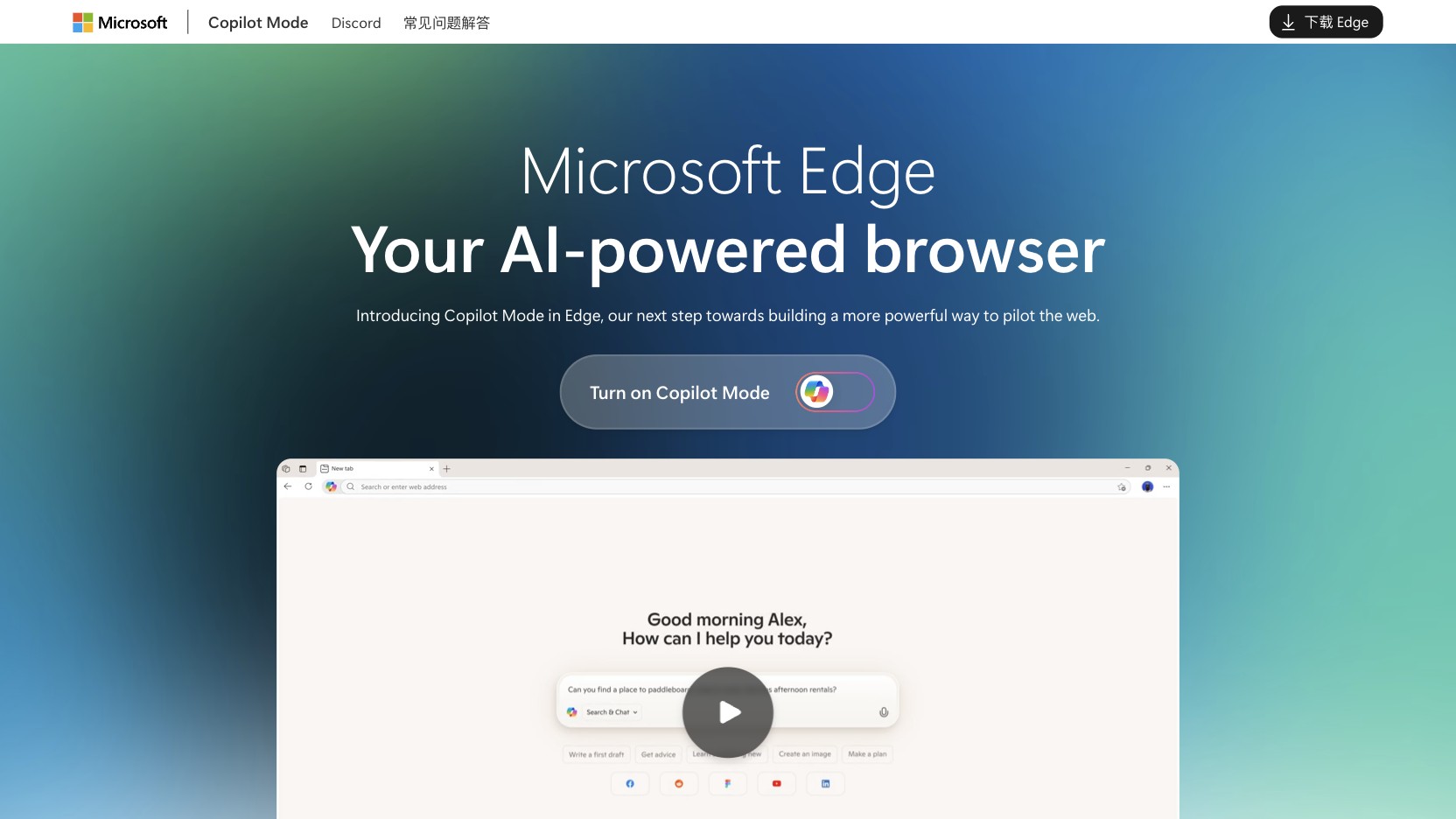
Product Introduction
Overview
Edge Copilot is the Copilot agent mode launched by Microsoft Edge browser, deeply integrating Microsoft Copilot AI assistant to provide users with an intelligent browsing experience. As an important part of the Microsoft ecosystem, Edge Copilot seamlessly integrates AI capabilities into the browser, enabling users to more efficiently acquire information, process content and complete tasks.
Key Highlights
- Deep Microsoft Copilot integration, providing powerful AI assistant features
- Intelligent search and content recommendations, improving information acquisition efficiency
- Intelligent web content summarization, quickly understanding long texts
- AI writing and editing assistance, improving content creation efficiency
- Seamless Microsoft ecosystem integration
Target Users
Main Features
Copilot Integration
Deep Microsoft Copilot integration, providing powerful AI assistant features that can understand context and provide intelligent suggestions.
Key Benefits:
- Deep AI integration
- Context understanding capability
- Intelligent suggestions and recommendations
- Natural language interaction
- Multi-modal support
Smart Search
AI-enhanced search experience that can understand user intent and provide accurate search results.
Key Benefits:
- Intelligent intent understanding
- Accurate search results
- Related content recommendations
- Search efficiency improvement
- Personalized search experience
Content Summarization
Intelligent web content summarization, quickly understand long texts, extract key information.
Key Benefits:
- Quick long text summarization
- Key information extraction
- Reading efficiency improvement
- Content understanding acceleration
- Multi-language support
Writing Assistant
AI writing and editing assistance, helping users improve content creation efficiency and quality.
Key Benefits:
- Intelligent writing assistance
- Content editing optimization
- Grammar and spelling check
- Writing style suggestions
- Multi-language writing support
Usage Guide
System Requirements
- Windows, macOS or mobile device
- Microsoft account
- Stable internet connection
- Latest version of Edge browser
Installation Steps
- 1Download and install Microsoft Edge browser
- 2Log in with Microsoft account
- 3Enable Copilot features
- 4Complete initial setup and preference configuration
Basic Usage
- Open Edge browser
- Click Copilot icon to launch AI assistant
- Use intelligent search features
- Experience content summarization and writing assistance
- Explore other Copilot features
Advanced Features
- Configure Copilot personalization settings
- Integrate Microsoft 365 services
- Set privacy and security options
- Manage browsing history and preferences
- Use enterprise-level features
Use Cases
Intelligent Information Acquisition
Use AI-enhanced search features to quickly acquire accurate information.
Typical Applications:
- Intelligent search queries
- Related content recommendations
- Quick information positioning
- Knowledge discovery
- Research assistance
Content Creation Assistance
Use AI writing assistant to improve content creation efficiency.
Typical Applications:
- Document writing assistance
- Content editing optimization
- Writing style improvement
- Multi-language content creation
- Creative writing support
Efficient Reading
Quickly understand long texts through content summarization features.
Typical Applications:
- Quick understanding of long articles
- Key information extraction
- Reading efficiency improvement
- Multi-language content understanding
- Academic material organization
Microsoft Ecosystem Integration
Seamless integration with Microsoft 365 and other services.
Typical Applications:
- Office document processing
- OneDrive file management
- Teams collaboration integration
- Outlook email assistance
- Enterprise-level application scenarios
Technical Features
Copilot Integration
Deep Microsoft Copilot integration
Smart Search
AI-enhanced search experience
Content Summarization
Intelligent web content summarization
Writing Assistant
AI writing and editing assistance
Pros
- Microsoft ecosystem integration
- Free high-quality AI experience
- Simple and easy-to-use interface
- Stable and reliable features
- Continuous updates and optimization
Cons
- Features are relatively basic
- Requires Microsoft account
- Some advanced features require subscription
- Mainly for Microsoft users